
Add-on, £19 a month
Write RAMS and give toolbox talks from the app
Safety Writer lets you write risk assessments and method statements step by step on a phone or desktop, and turns them into a PDF on your letterhead. It also gives you 80 ready made toolbox talks to deliver and record.
Best for: Companies that write their own RAMS and run toolbox talks every week.
Writing RAMS in the app
Step by step
Write the RAMS on a phone in short steps, or in sections on a desktop. Work is saved as you go.
Hazards on a risk matrix
Score each hazard on a 5 by 5 or 3 by 3 matrix. Your company sets the labels and bands, and each RAMS keeps the matrix it was scored on.
A company RAMS library
Save activities and controls you use often and reuse them. A subcontractor company can keep its own library too.
PDF on your letterhead
Submitting makes an A4 PDF on your letterhead. That PDF is the document that goes for review.
Review before work starts
A second person reviews
Someone who did not write the RAMS reviews them before work starts. Sitestack keeps who wrote and who reviewed.
Client review by link
Send the RAMS to the client side by email link. They review and respond with no login.
Revisions
Start a new revision when the work changes. The words carry forward and the earlier revision stays on the record.
Subcontractors can write too
A subcontractor on a free login can write RAMS in the app. Your team returns them with comments rather than editing their words.
Toolbox talks
80 ready made presets
Choose from 80 talks, each with its sources. A preset shows as unchecked until you review it for your site.
Fill in your site details
Blanks such as the assembly point and first aiders are filled in for the site. Anything your company must decide stays a blank for you.
Presenter mode
Read the talk from a phone one part at a time in large type. Then record who was there.
A company library, and talks from a RAMS
Copy a preset, edit it and keep it as your own, or write one from scratch. Where the RAMS were written in the app, you can brief the team from the RAMS themselves.
The real app
On the phone and at the desk
Big buttons on site. Tables, filters and every record side by side in the office.
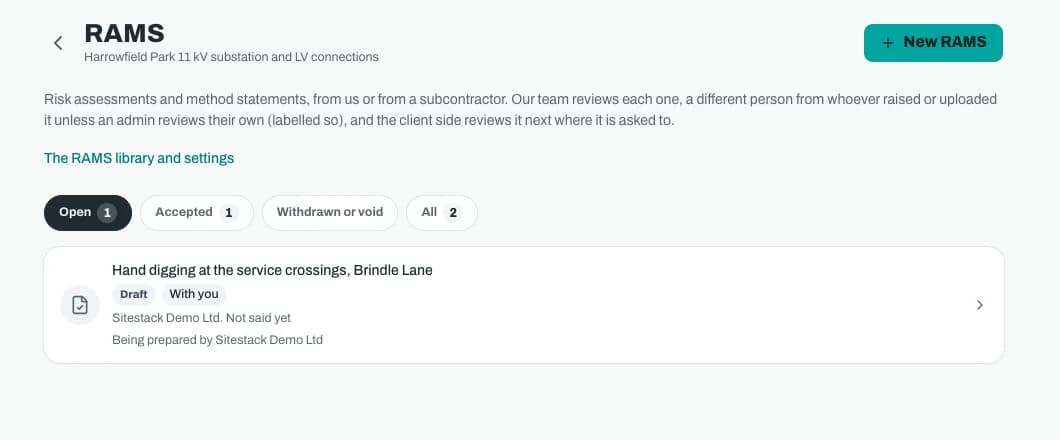
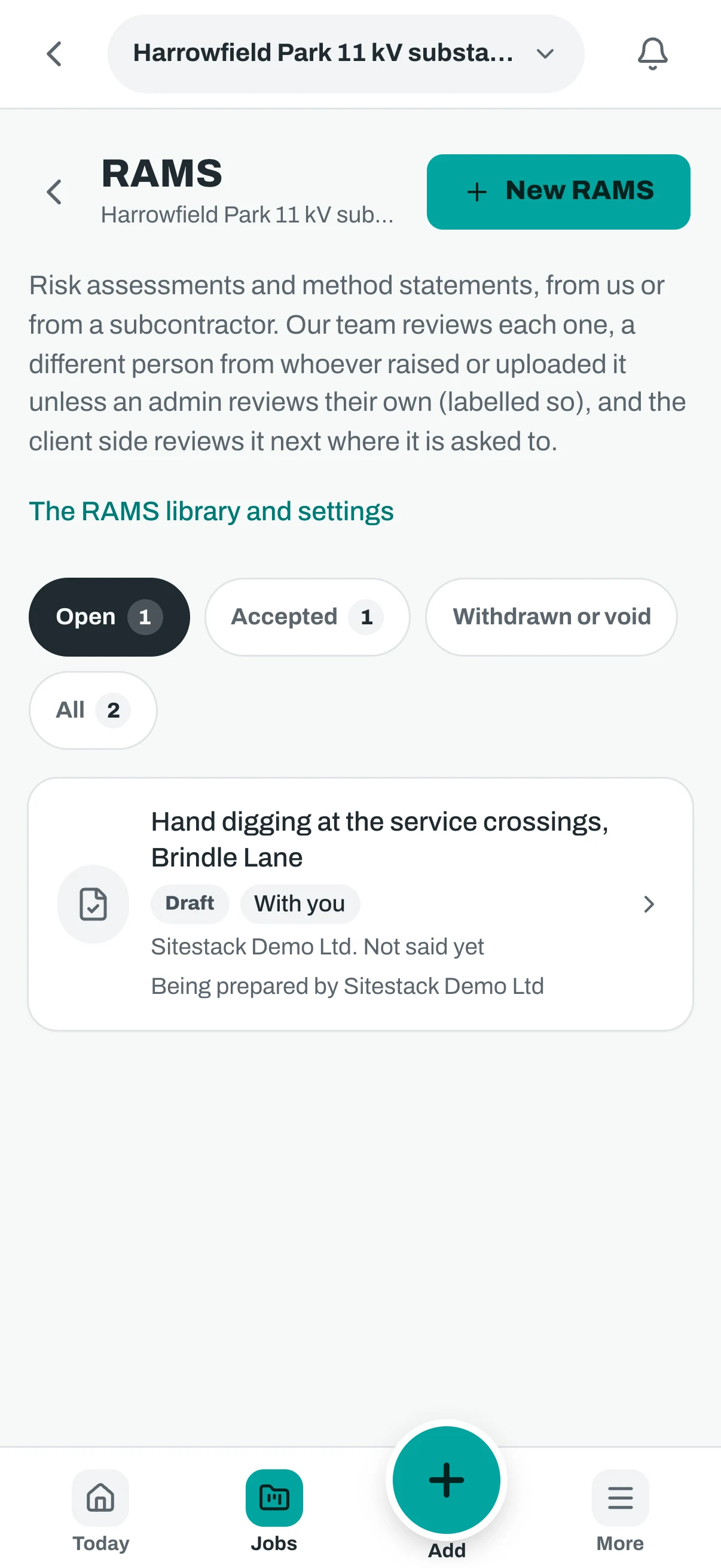
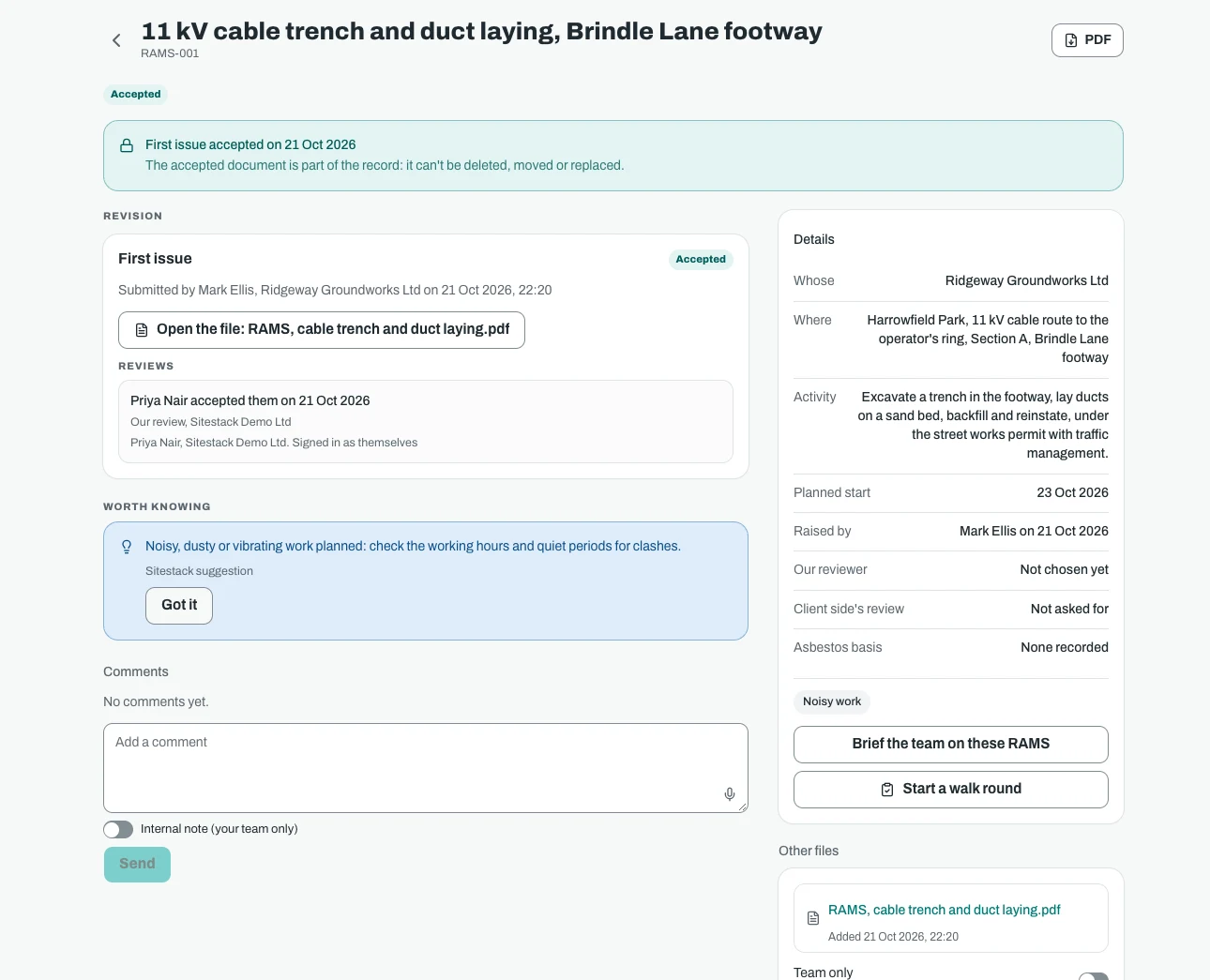
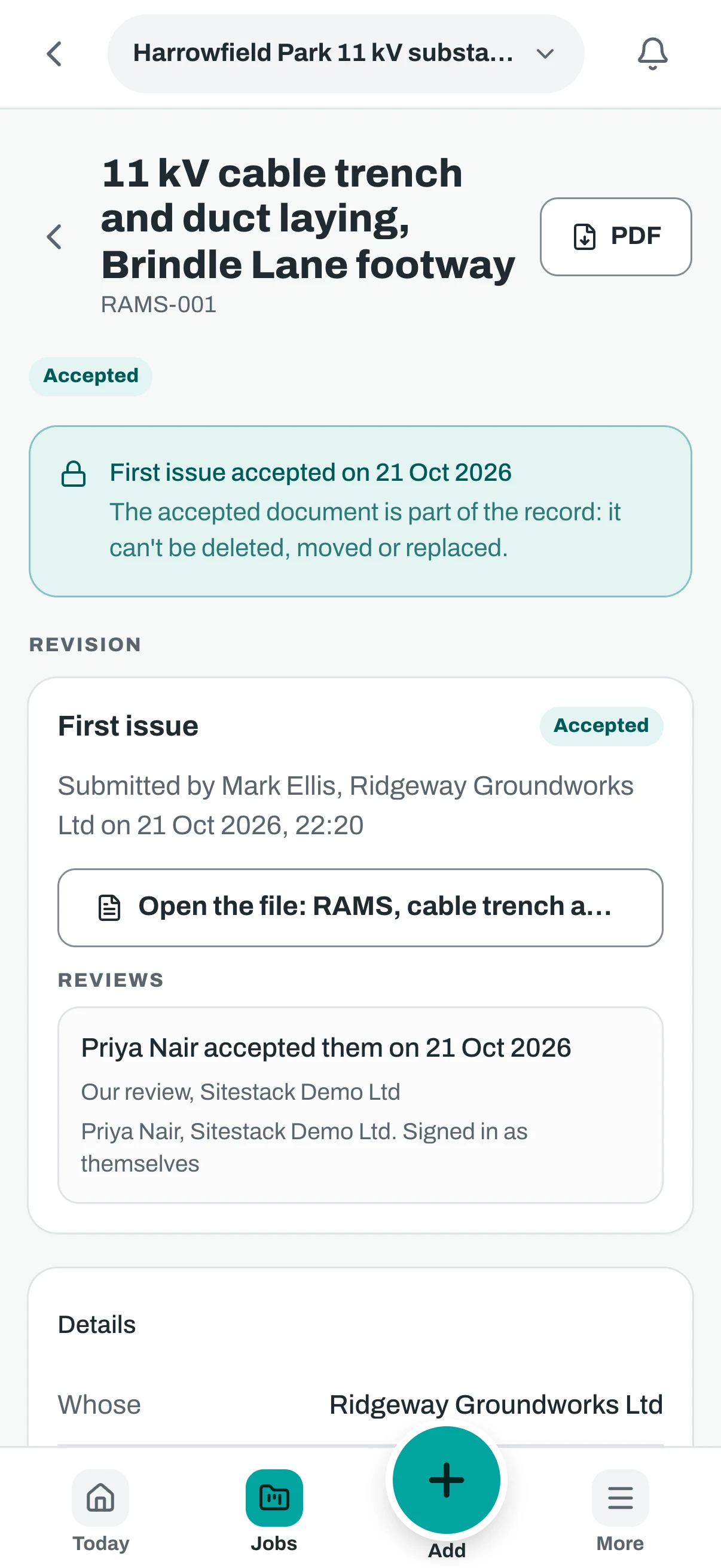
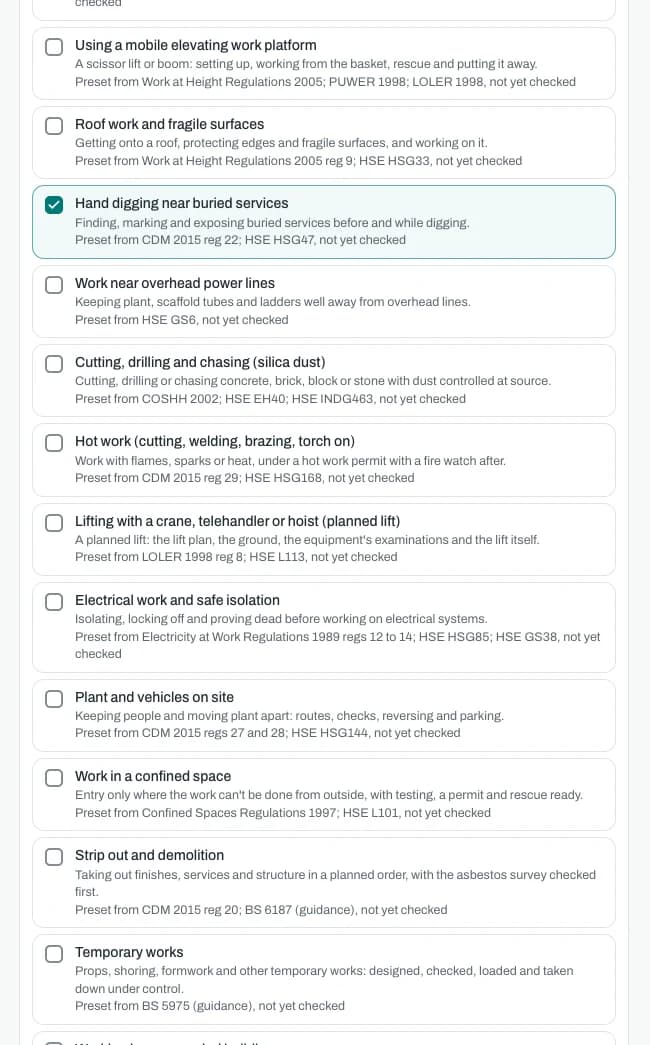
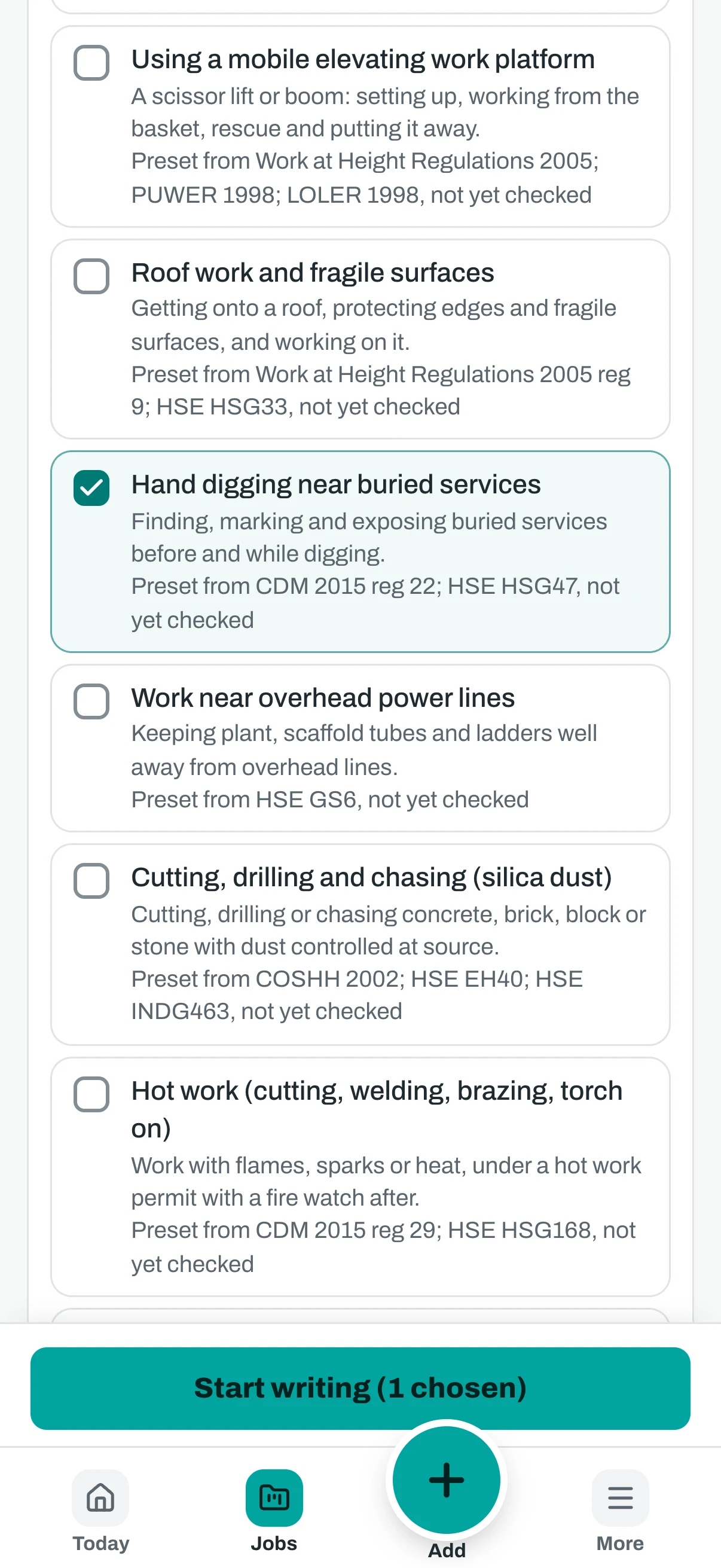
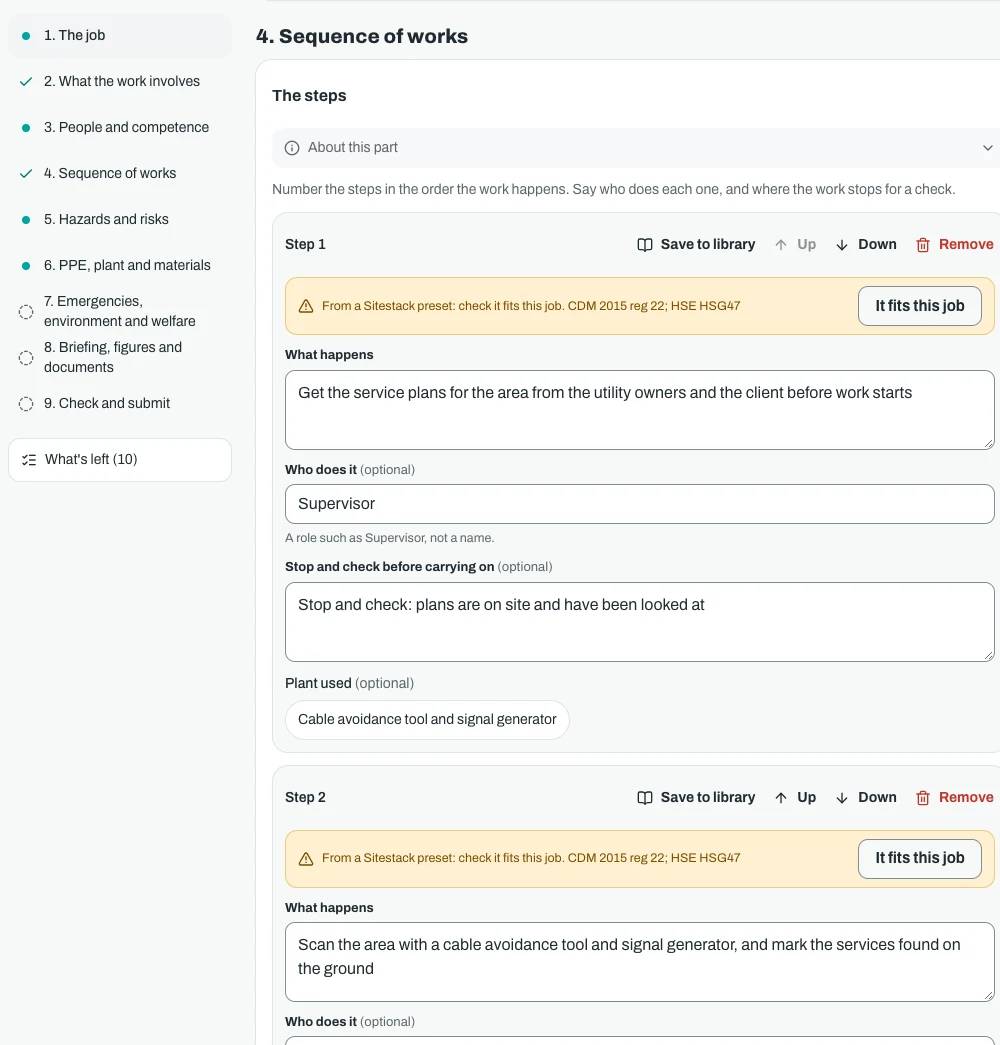
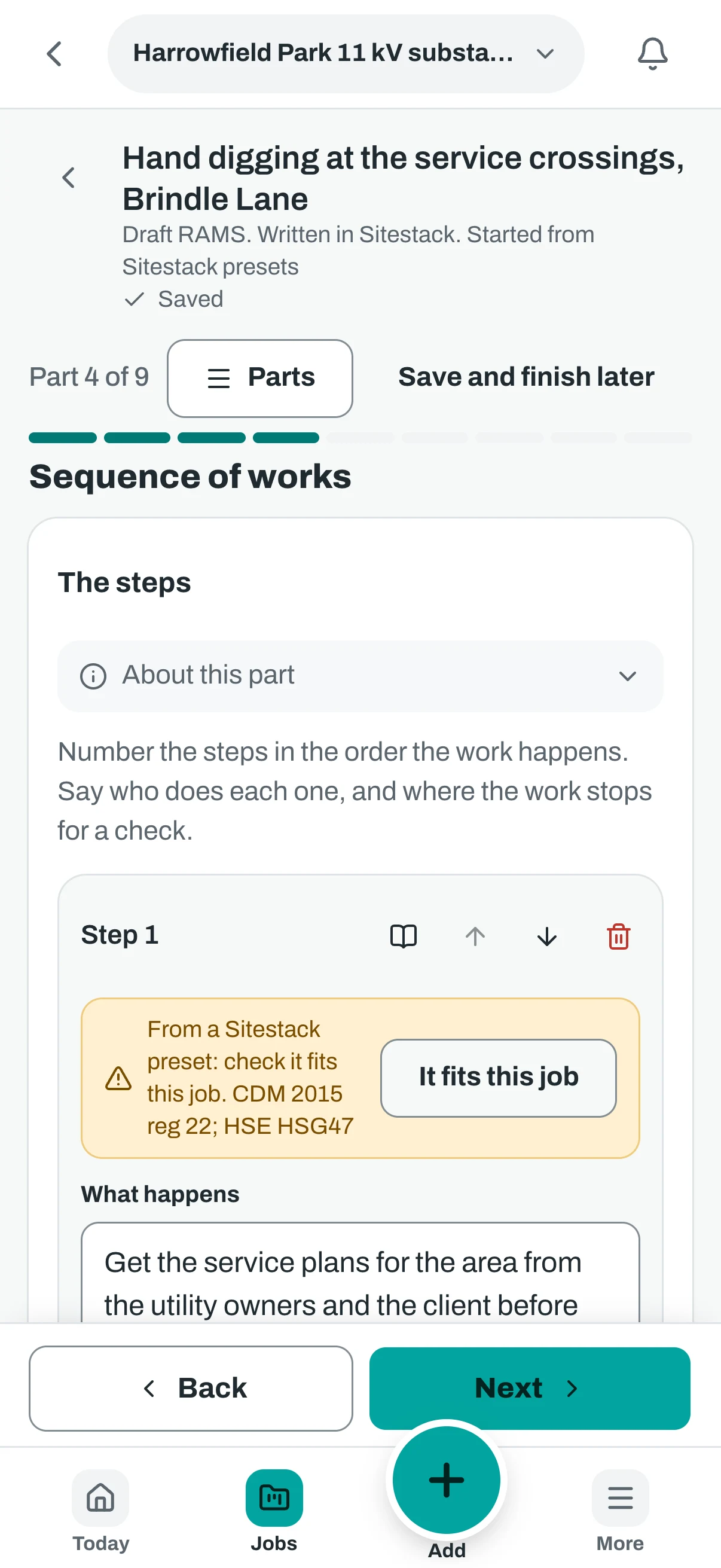
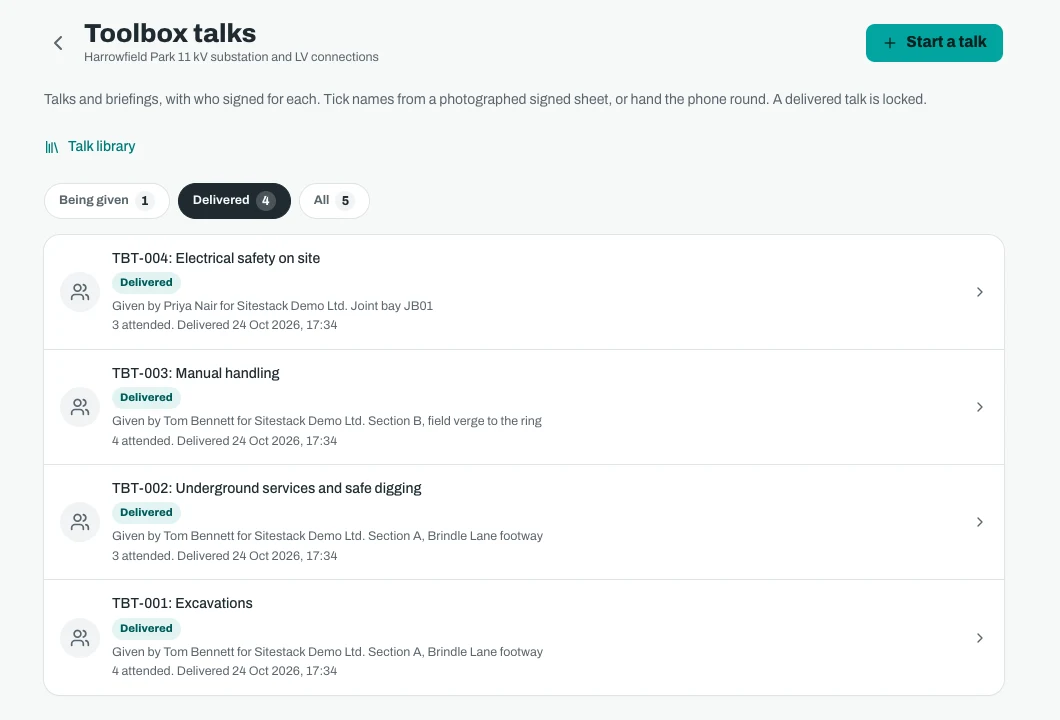
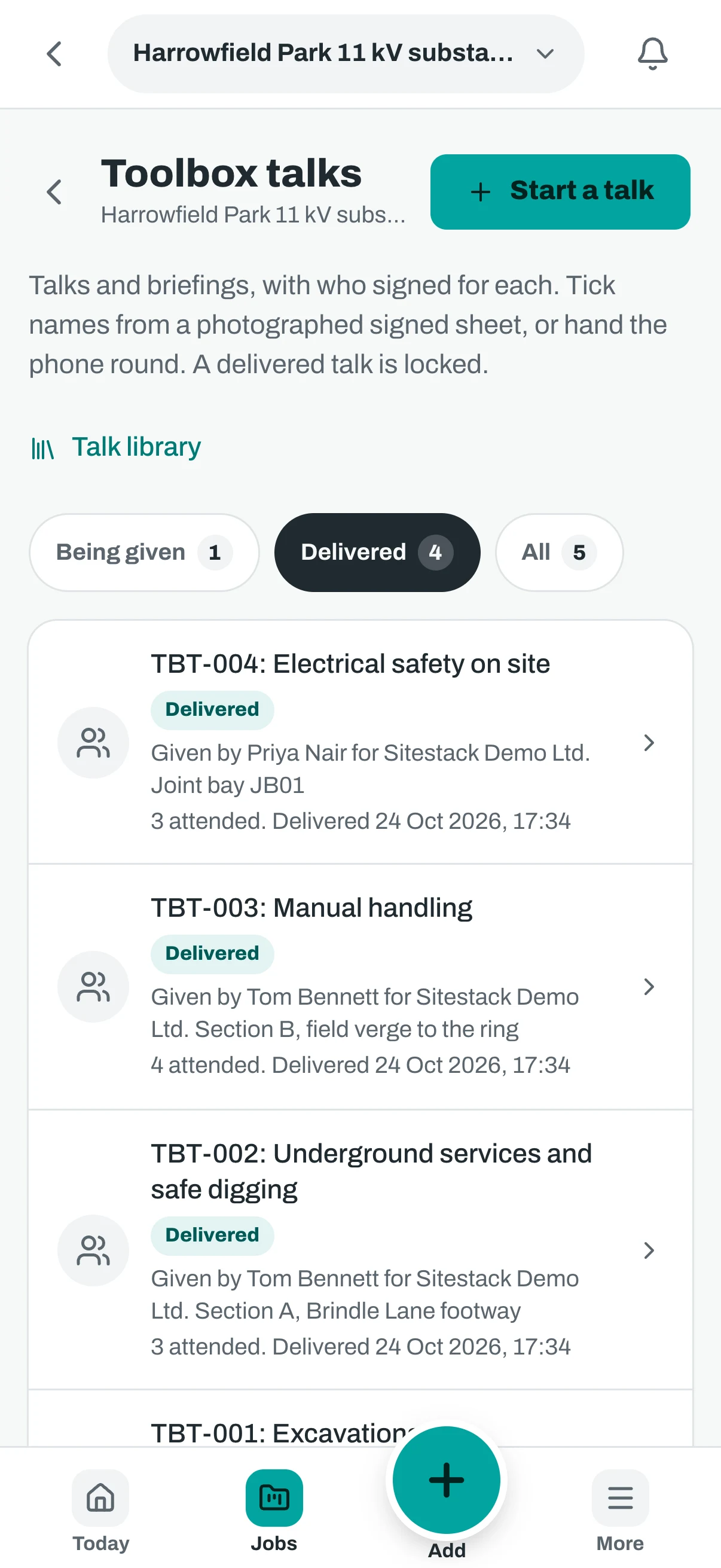
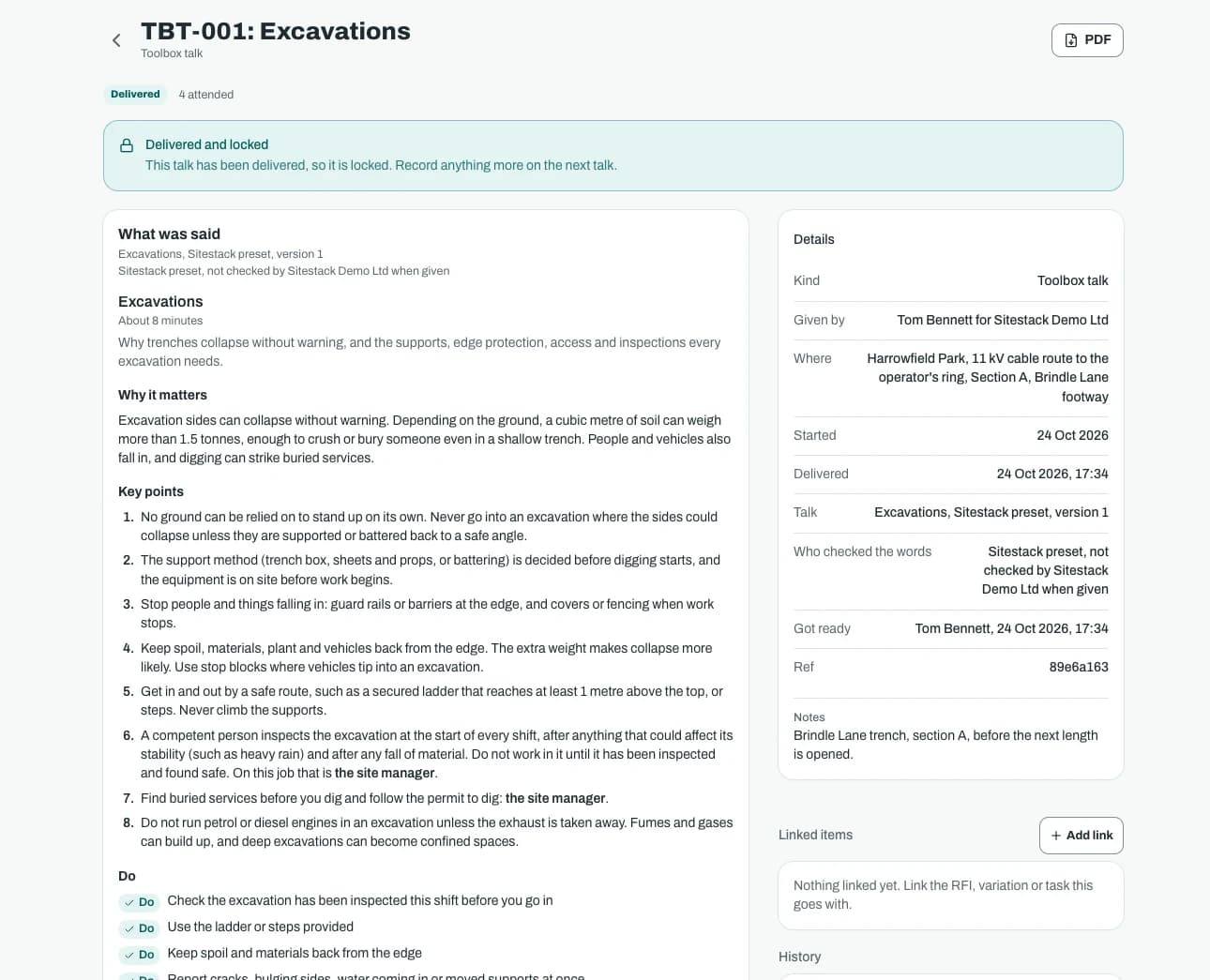
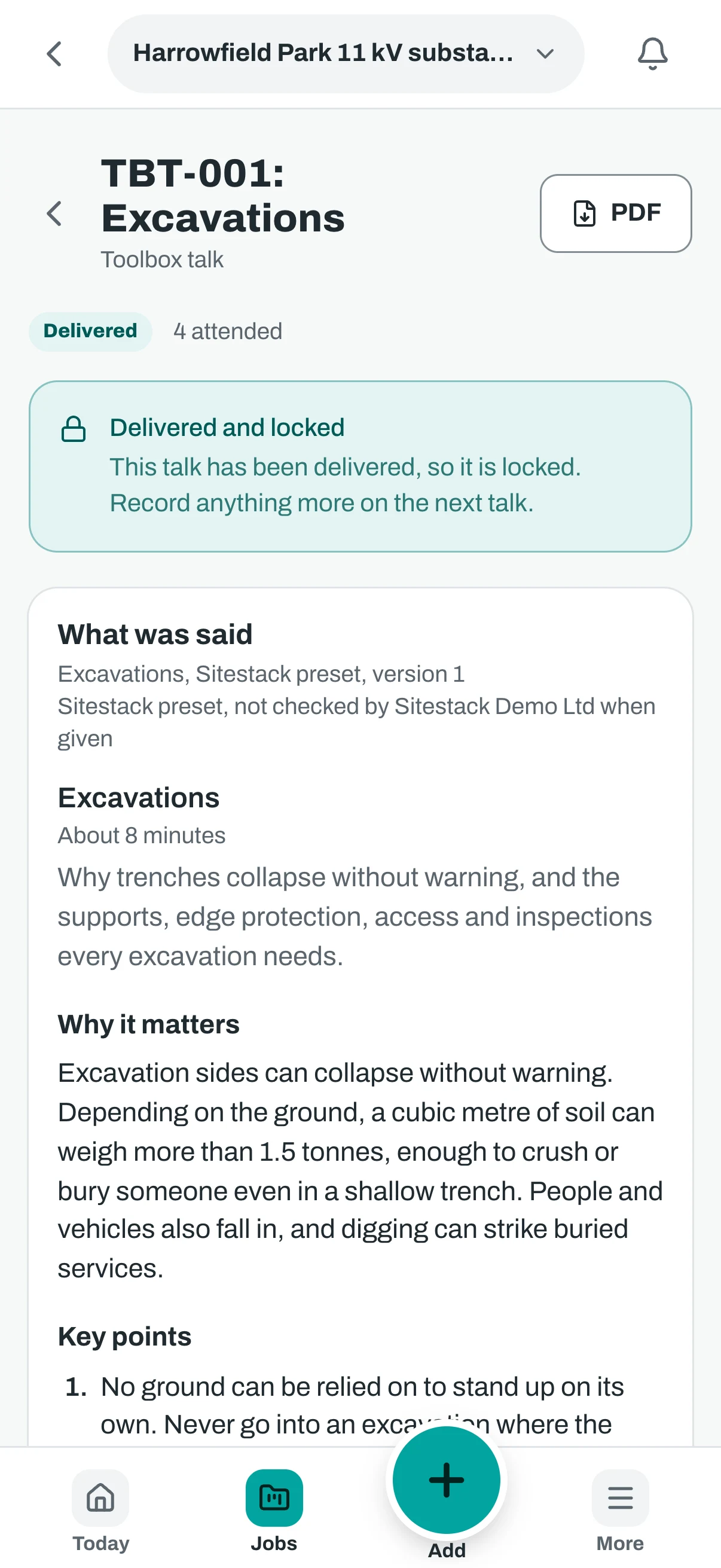
Screenshots show demo data.
Price
What Safety Writer costs
Every add-on is on while you try Sitestack. Keep the ones you use.
What it does not do. Uploading RAMS you wrote elsewhere stays in the core app, with review, revisions and client review by link. So do toolbox talks that your company writes and uploads. Safety Writer adds writing RAMS in the app and the preset talks. Presets are starting points, not legal advice. Check your own obligations.
Safety Writer
£19a month
or £190 a year, ten months for twelve. Ex VAT.
- A flat price for the whole company, not per seat
- The same price on Starter, Growth and Scale
- Included with Safety Pro
- Switch it on or off from the billing page
Questions
Safety Writer: what people ask
How much does Safety Writer cost?
What stays free in the core app?
Do the presets cover my legal duties?
Can the client review RAMS without a login?
Can subcontractors use it?
What happens if I switch Safety Writer off?
Related
Works well with
Start your 14 day trial
14 day free trial. Every tool is on while you try it. Your card is taken at sign up and nothing is charged until the trial ends.